Create account

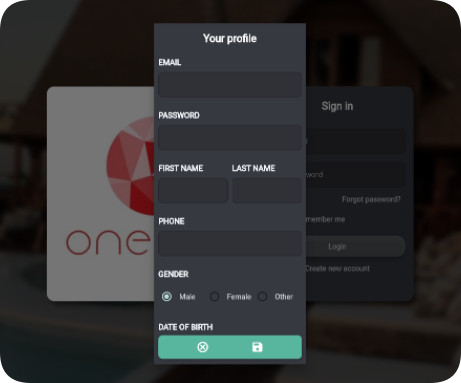
Click on Create a new account button, then an information board will appear as below

Fill in all the information and and SAVE, your user account has just been created
Create hotel

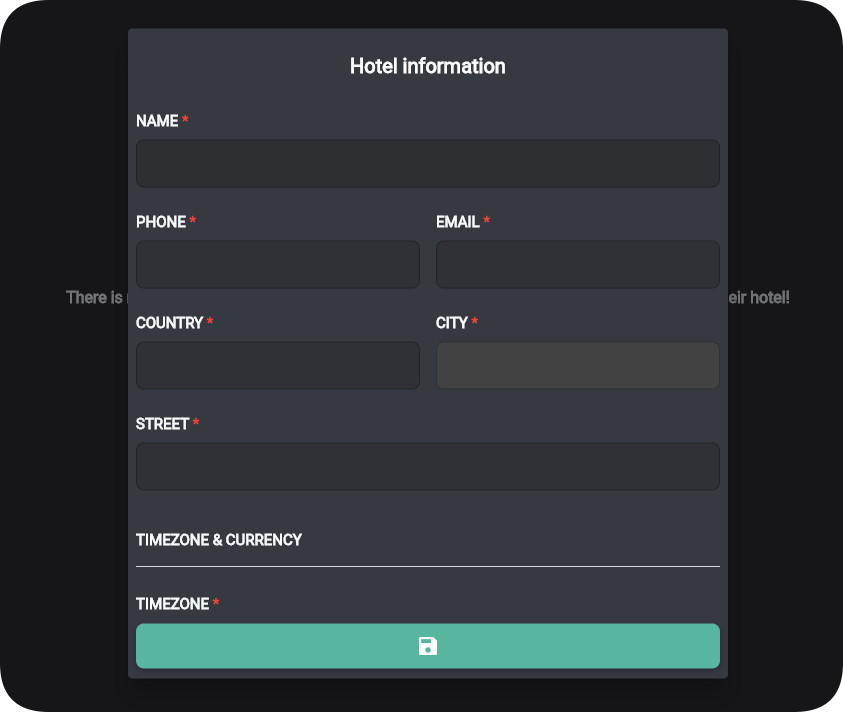
When you get into your account, the next step is creating a hotel based on your real hotel’s data.

Fill the blank fields with the essential information and then SAVE, a new hotel is created

Create booking
Step 1
Click on a blank cell in the Status board, then select ‘add booking’, the booking screen will appear as below. Alternatively, you may press the ‘plus icon’ at the right corner of screen to be in a new booking.
Step 2
Booking screen is divided into the following sections
- Header: Contains the basic information of the guest: name, email, phone number
- Details: Accommodation information for the guest’s stay, including breakfast, payment, in date, out date, room information and source of customers (how can they find us)
Step 3
Complete all the fields needed and then click to the green plus button in the bottom and save booking